Apps are designed to hold on to your child. Here, they learn how.
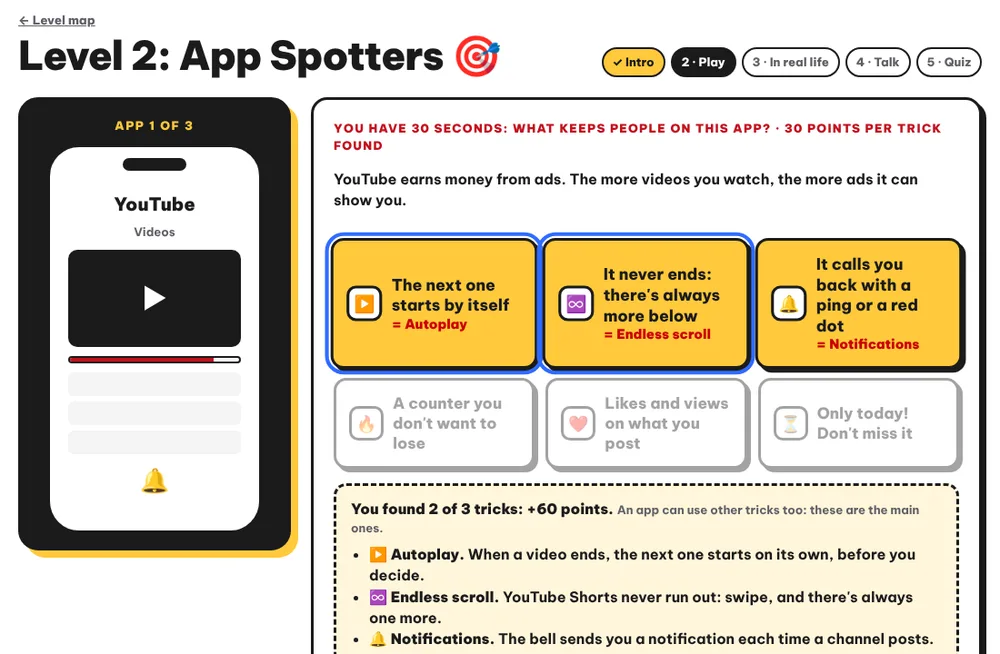
20+ games where children take apart the tricks of YouTube, social media and video games themselves. Then they choose what they want to change. In class or at home.
Are you a student? Enter with your class code · Teacher? Teacher · school space
Understanding rather than banning. No fear, no guilt.
- 1
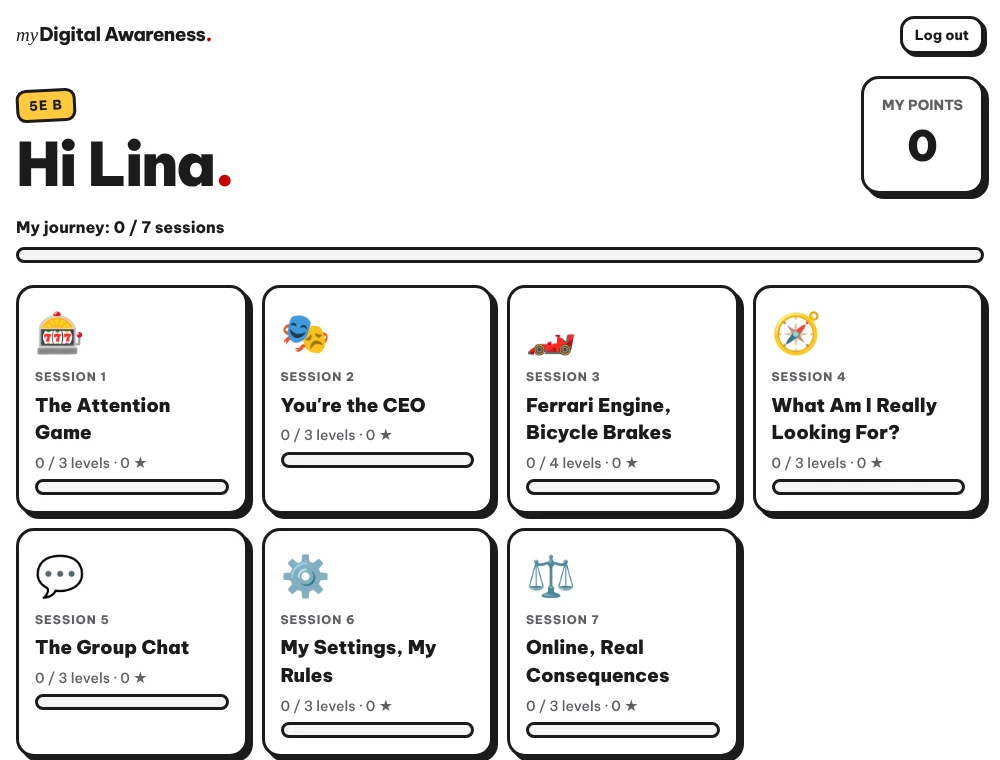
They play
They take the app's place: in “You’re the CEO”, they invent the ideas that keep people on the screen.
- 2
They understand
Their ideas already exist: autoplay, infinite scroll, notifications. They learn their real names.
- 3
They choose
They keep their settings, their “if… then…” plan, and prepare a proposal for the family.
“Oh yeah, so that's how they manipulate me.”
“It’s so good. […] As an adult, I understand a lot of things.”
Translated from French.
7 workshops, 3 or 4 games each
Each game follows 5 steps: intro, play, “in real life”, talk, then a quiz.
- Workshop 1
The Machines
Two slot machines: children find out why we stay on the one that pays at random.
- Workshop 2
Boss of ClipBox
They run an app and pick the ideas that keep people on the screen.
- Workshop 3
Ferrari Engine, Bicycle Brakes
Four levels to understand why stopping is so hard, and build their own brakes.
- Workshop 4
What Does It Give Me?
They find the real need behind their favourite app: freedom, skills, friends or a break.
- Workshop 5
The Chat Goes Wrong
An invented class group chat goes wrong: what can a witness do?
- Workshop 6
The Settings Menu
On a pretend phone, they try the settings that switch hooks off and keep their own.
- Workshop 7
If It Happens To Me
The right moves if something serious happens online, and what the law says.
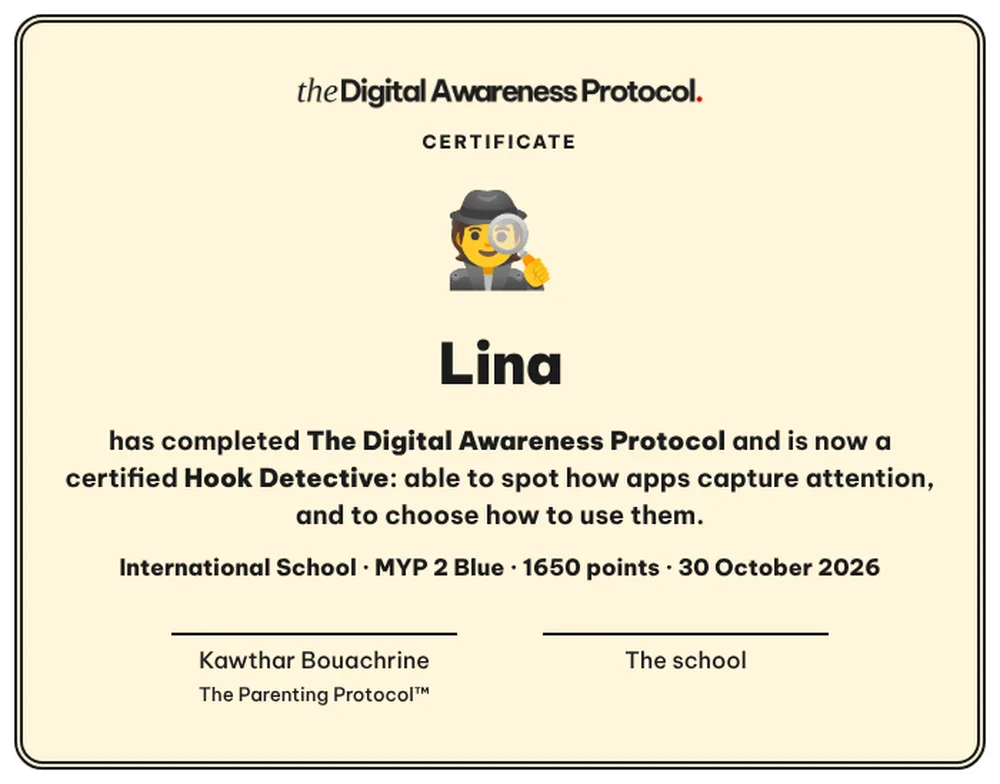
And at the end, their certificate
“Hook Detective”, in their name.
Let my child play at home
No partner school? Your child does the 7 workshops at home. You create their space, they log in with their first name and a secret picture.
Free
To try it with your child, without paying.
390 MAD
For one child: more than 20 games, their certificate and a parent card after each workshop.
195 MAD
-50% for each brother or sister.
Secure online payment.
What you see, what stays theirs
- You see the workshops they finished, their points and their certificate.
- You never see their answers: they stay on their screen. That's what keeps their trust.
- After each workshop, a “how to talk about it” card: two questions to ask, one sentence to avoid, a family challenge.
And to find your words: Ally
The Parenting Protocol's assistant knows all 7 workshops. You write to her, for example:
“My child did workshop 3 today. How do I talk to them about it tonight?”
Each student plays, or the whole class together
- A ready-to-run workshop per session. Students play on their tablets or computers, alone or in pairs. Not enough devices? The teacher plays with the whole class on their own screen.
- A teacher space. Each student's progress, login cards and certificates to print.
- An anonymous before / after review, to show what changed in the class.
- Parents follow along. Each family receives the “how to talk about it” cards.
Digital equipment and CSR programmes: My Digital Awareness can be the “good use” module of your programme.
I'll show you the games live and how to roll them out in your schools.
Minimal data. No ads.
First name, progress, points
No photo, no date of birth.
No email for the child
They log in with a code and a secret picture.
Anonymous survey
Never linked to a child.
Erased after 10 months
Everything about a class.

Created by Kawthar Bouachrine
Coach-therapist, certified NLP practitioner since 2014, author of The Parenting Protocol™. Founder of Koding Kids, an online coding school that has welcomed more than 1,000 children.
Schools have adopted My Digital Awareness as part of their fight against online dangers and cyberbullying.
Frequently asked questions
Do I see my child's answers?
No. You see the workshops they finished, their points and their certificate. Their answers stay on their screen: that's what lets them answer honestly.
How much does it cost?
Workshop 1 is free. All 7 workshops cost 390 MAD for one child and 195 MAD for each next child.
What age is it for?
Ages 10 to 15.
Does my child need a phone?
No. The games work on phone, tablet or computer: yours is enough.